Workcenter

How to create a Workcenter
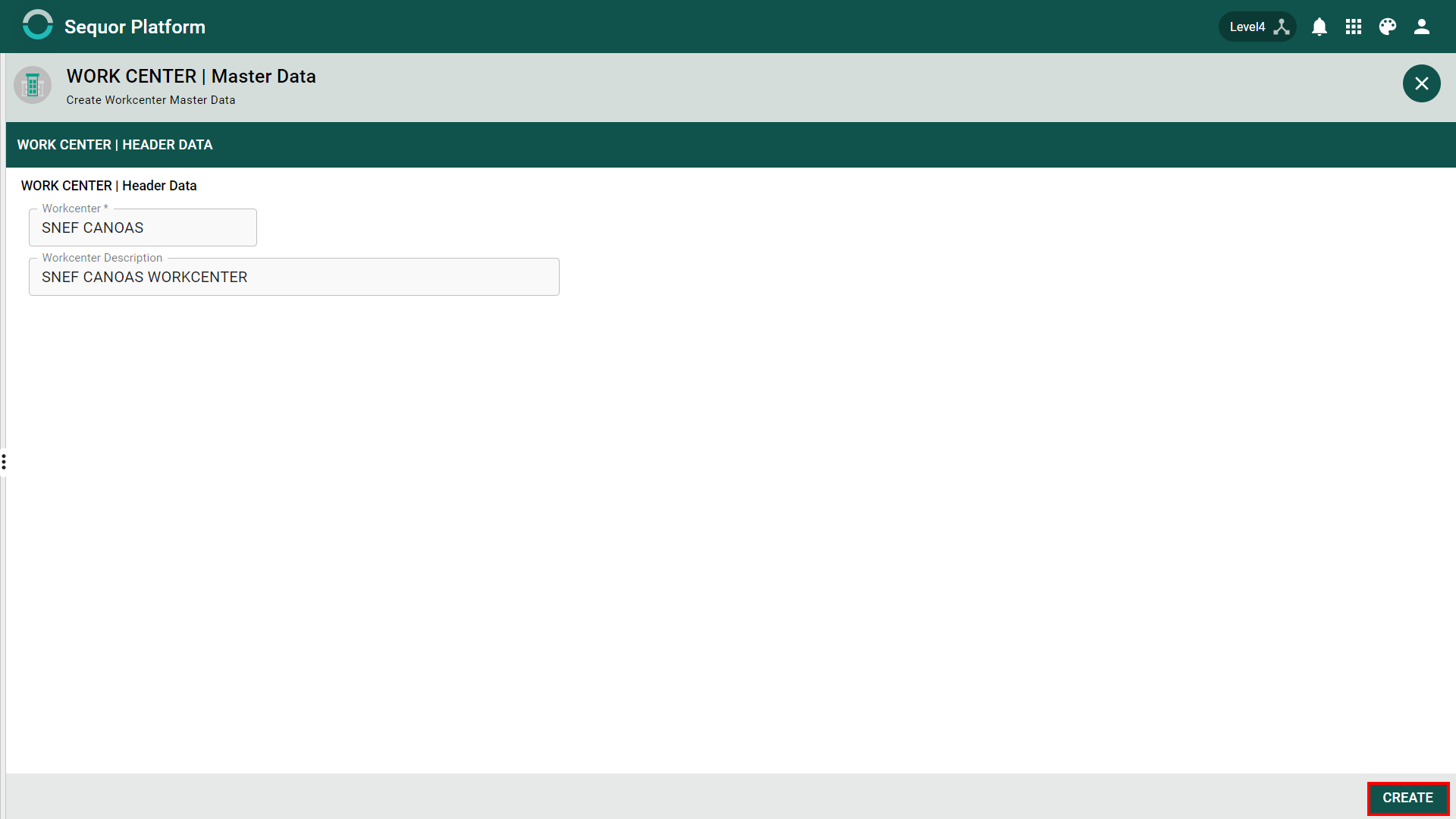
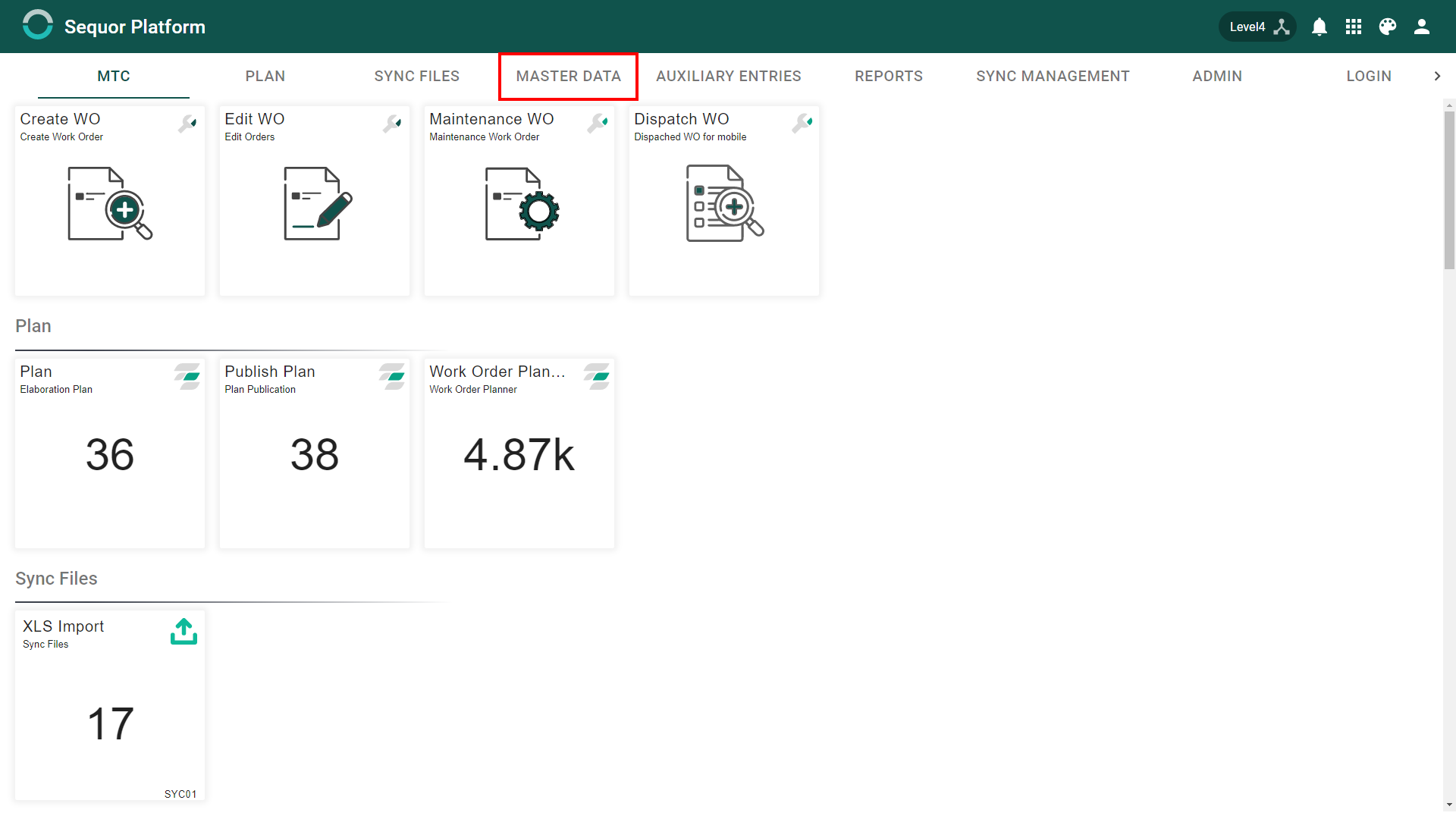
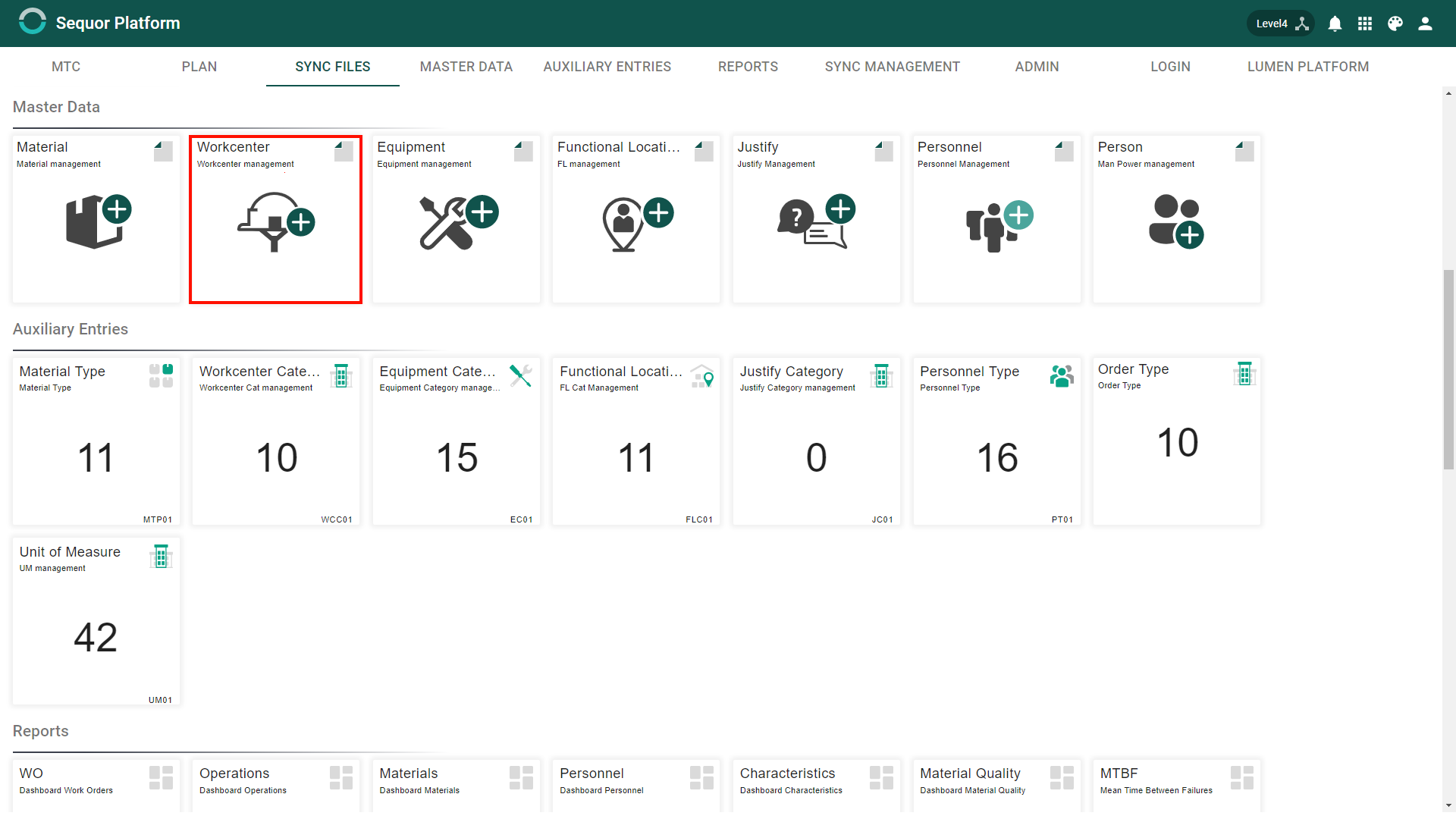
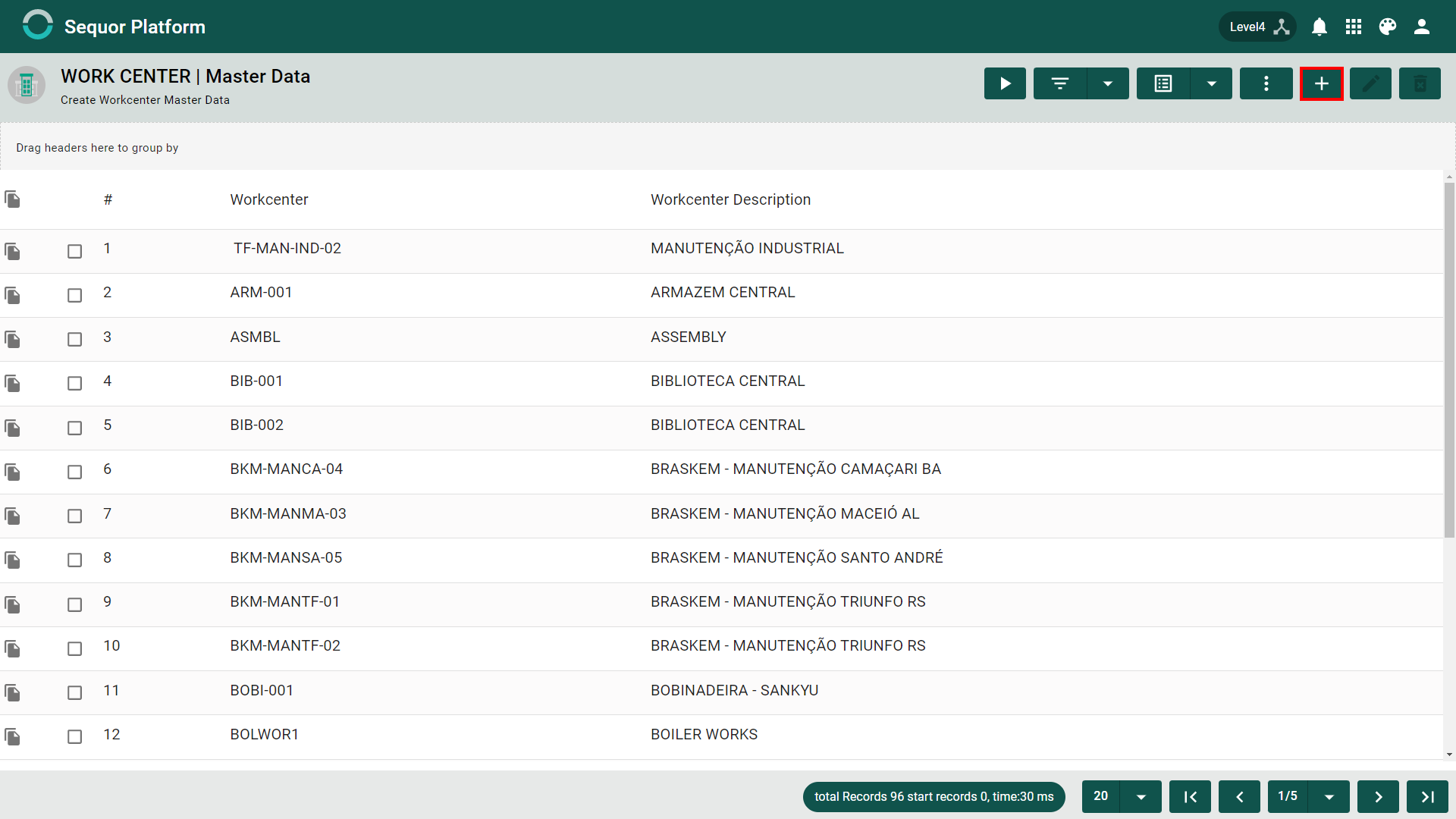
After accessing the Sequor MTC Workcenter Management app, the user will enter the Grid / List mode, which lists all workcenter records, giving the user the possibility to create a new entry or edit an existing one. To Create, click on the  button and then fill in the fields:
header
- Workcenter*,
- Workcenter Description*
note
Itens com * são obrigatórios.
How to Edit
To edit just follow the steps to create but click in edit button. If you have any doubts, read entries Flow, this article will explain the basics about Sequor MTC.