Creating a new device instance
To instantiate a device, start the flow by the button  on the main header and select the card “From Device Template” on dialogue menu.
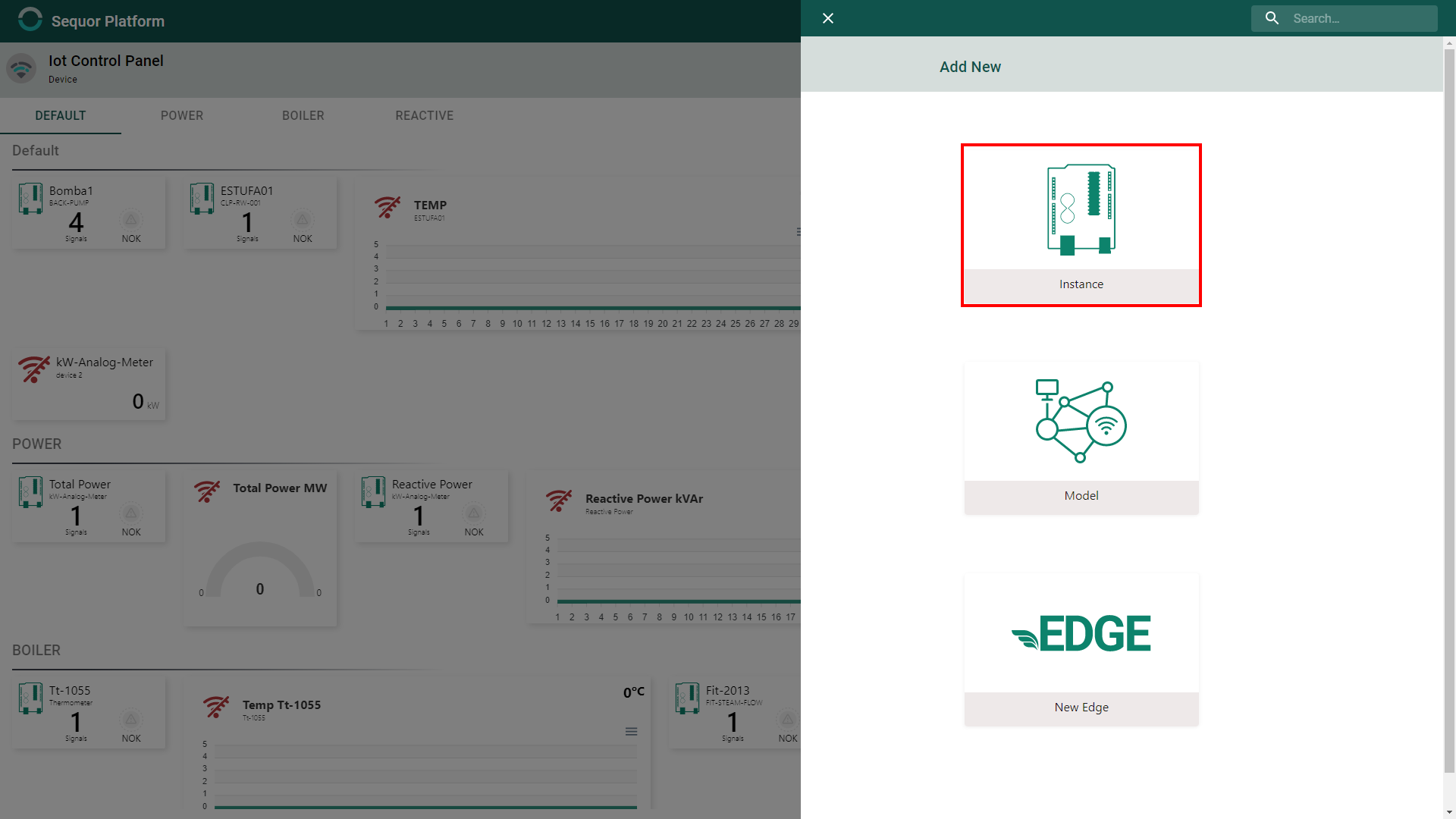
Define a device model to instance a new device
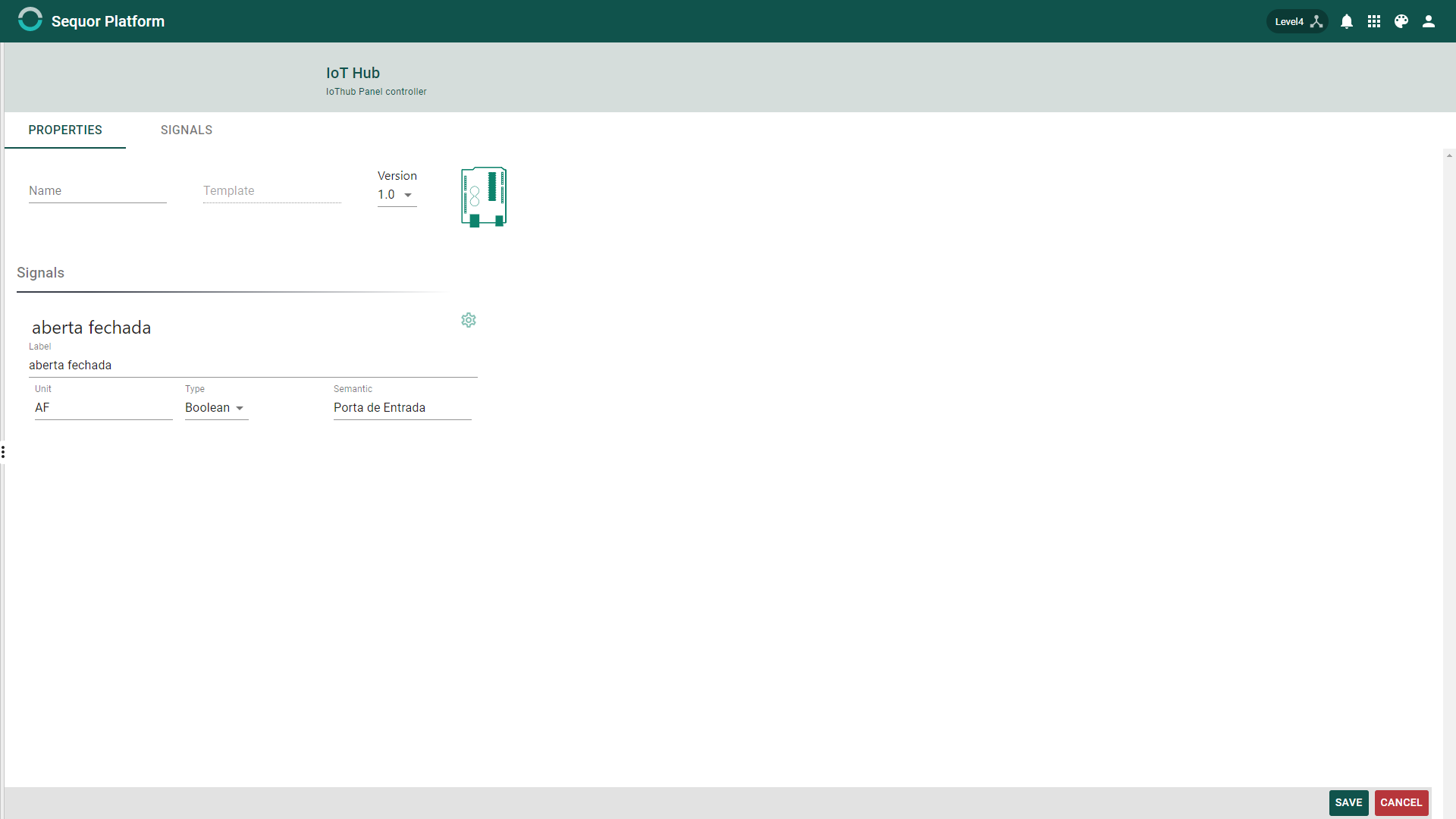
Configurating a Device Instance
Define Name & Label
Define a name to the new device instance

After choosing a device to instantiate its properties must be filled. Each device has different properties, based on its specific requirements, so, this way, the image below represents one possibility among many who can be registered on Weblumen IoTHub.
Signal Settings
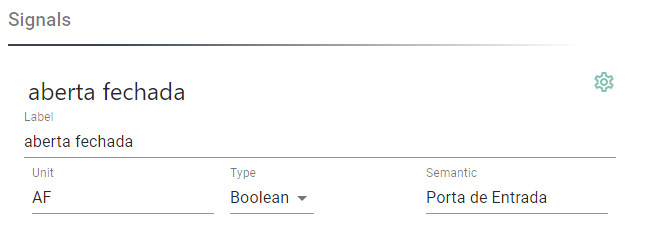
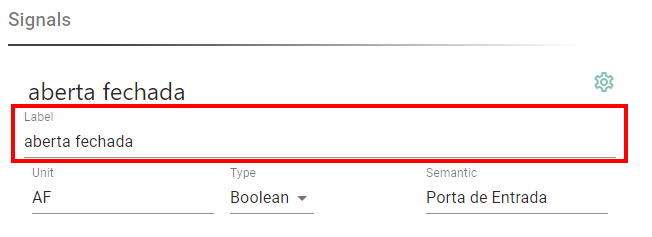
Define singal's label
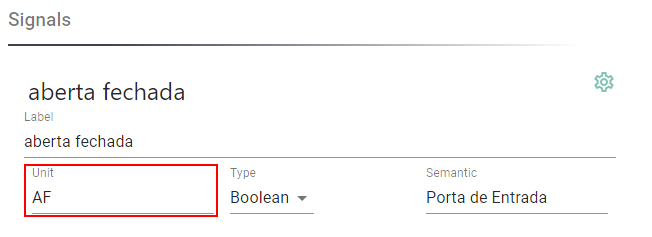
Define signal's unit
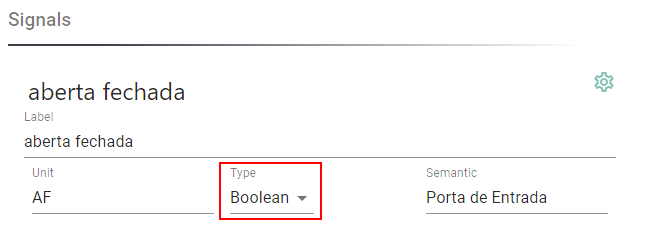
Define the signal's type
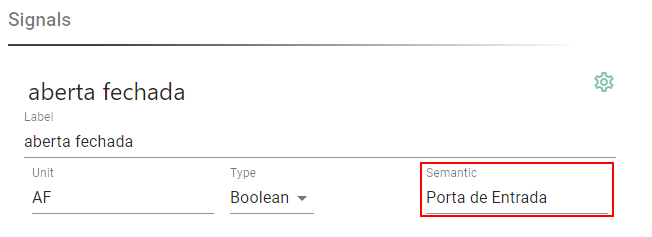
Define the signal's semantic
Define Tiel Layout
To define tile layout click on  and a menu on the left will appear. Just choose the tile wich you want.
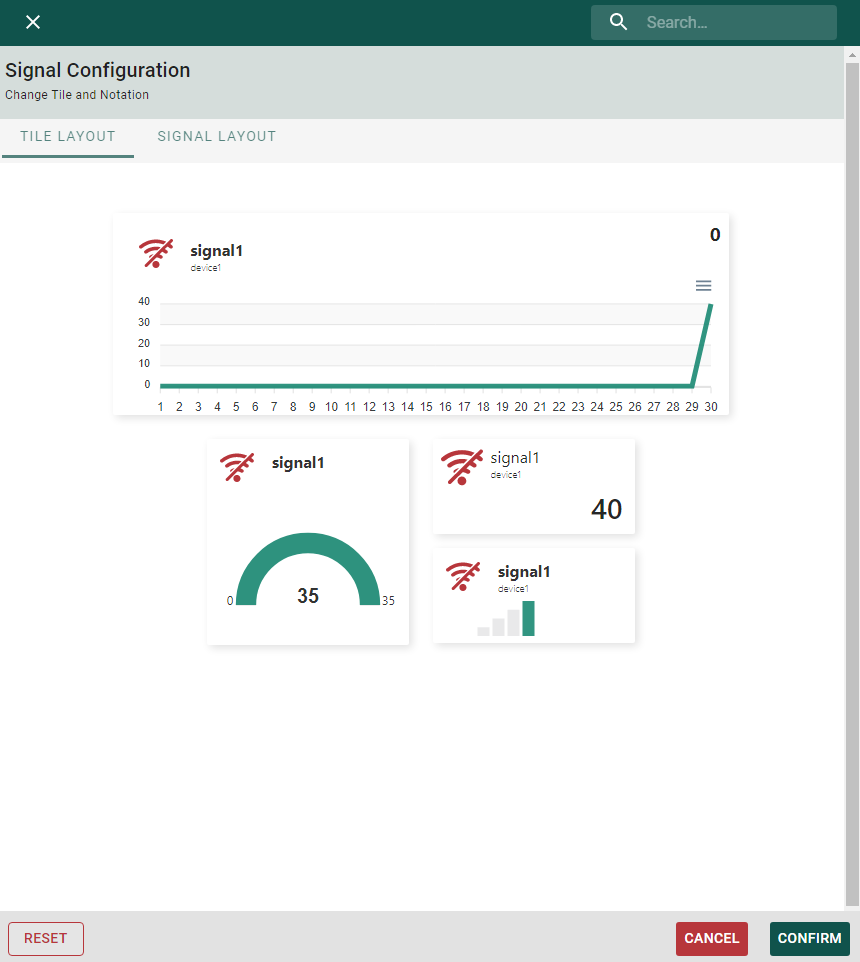
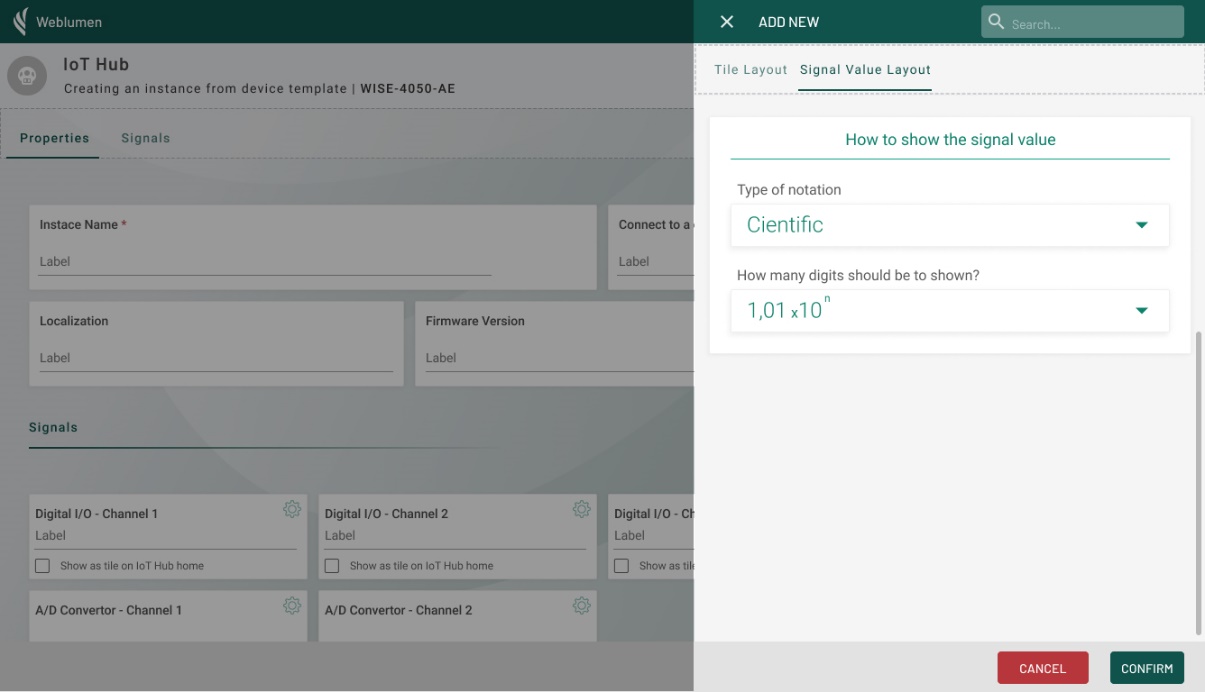
Configuring how to show the signal value
To define tile layout click on and a menu on the left will appear, now click on SIGNAL LAYOUT tab.
Now you can define notation and how many digits will show on tile.