Reports
This material shows how the user can create dashboards, based on data obtained and registered on the MTC platform.
Create a Dashboard
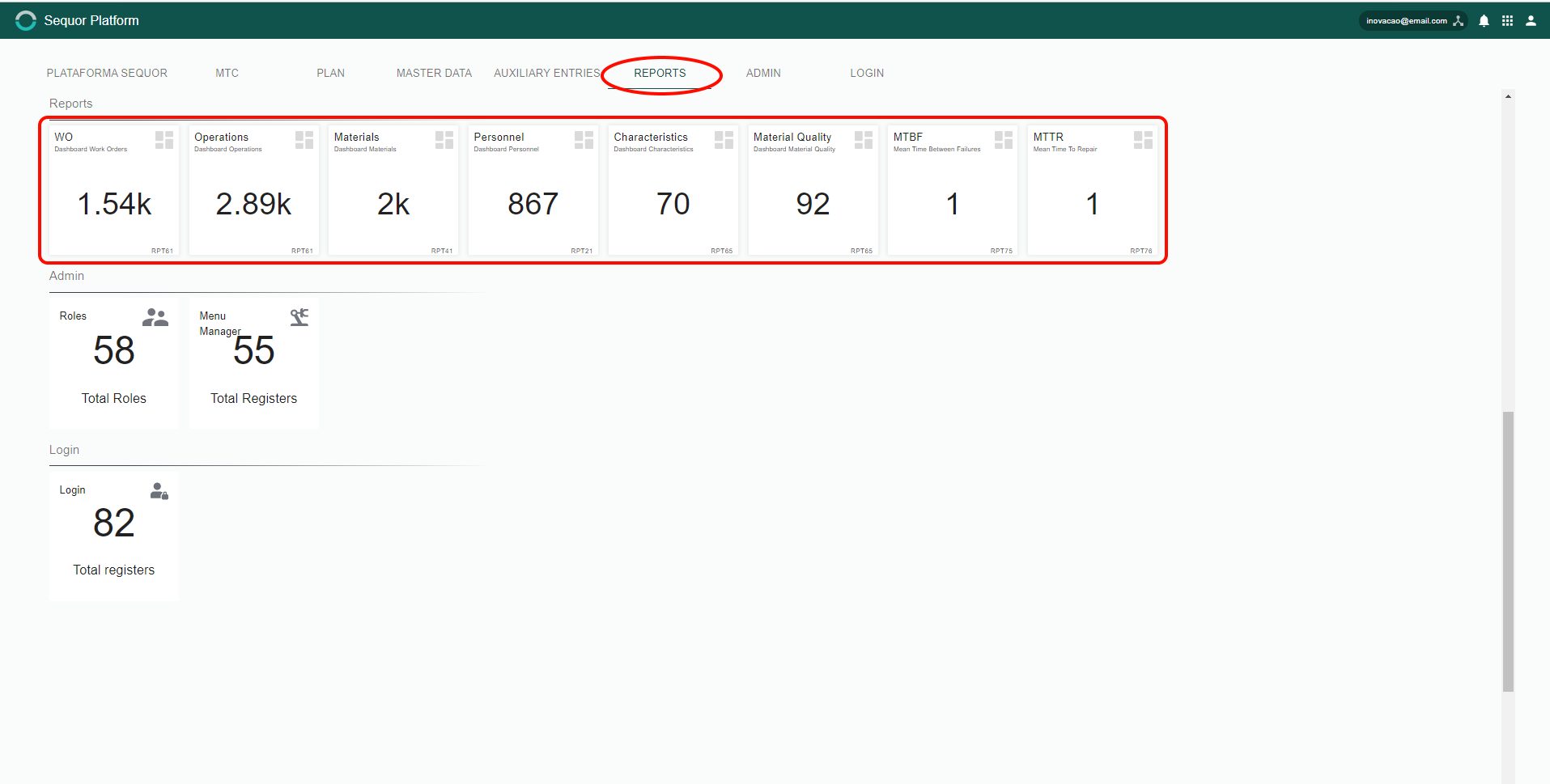
Just choose which analysis field you want to analyze by clicking on the tiles.
When you click, this is the screen that will be appear:
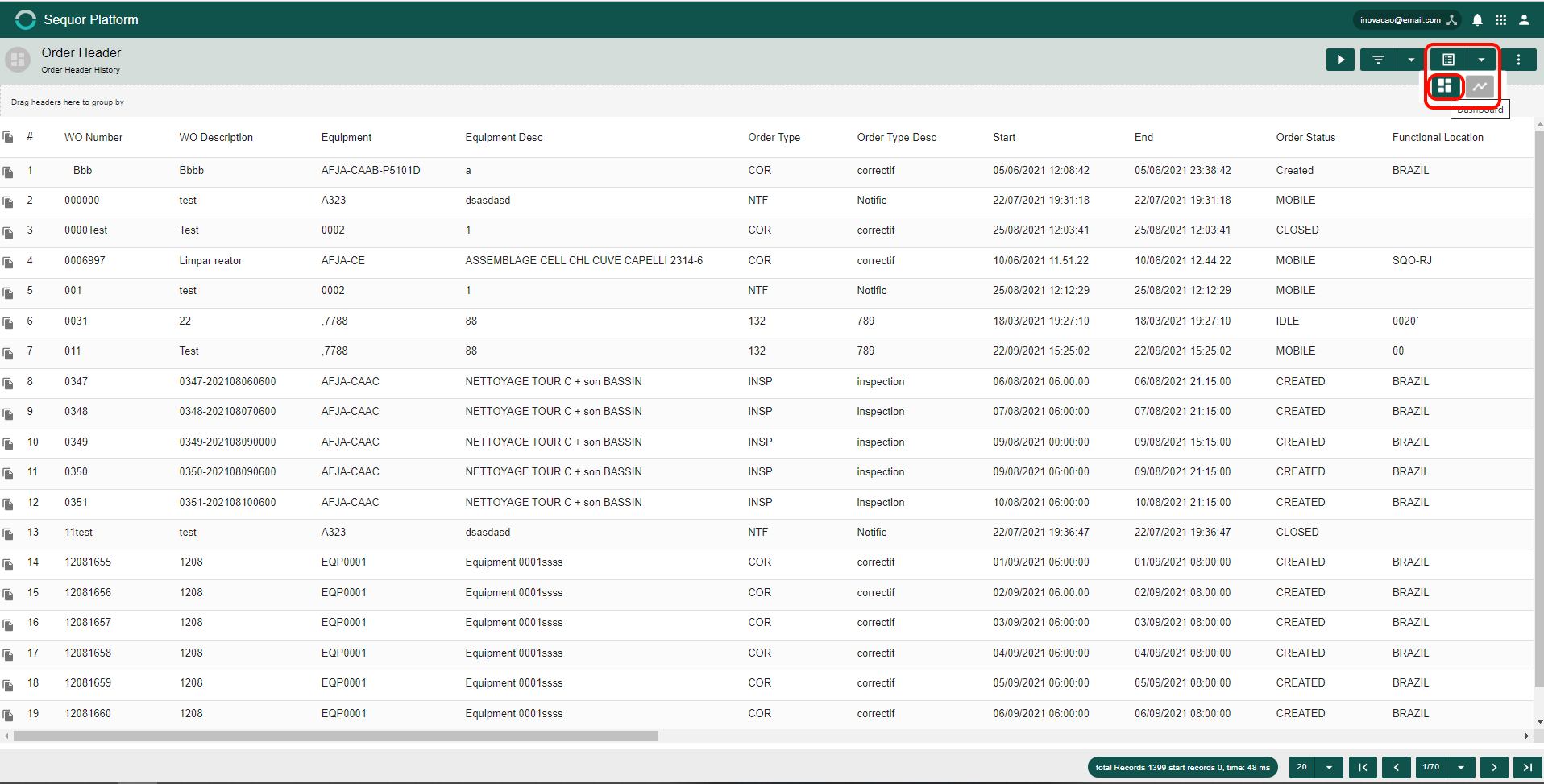
To access or edit a dashboard, just click  and then
  .
.
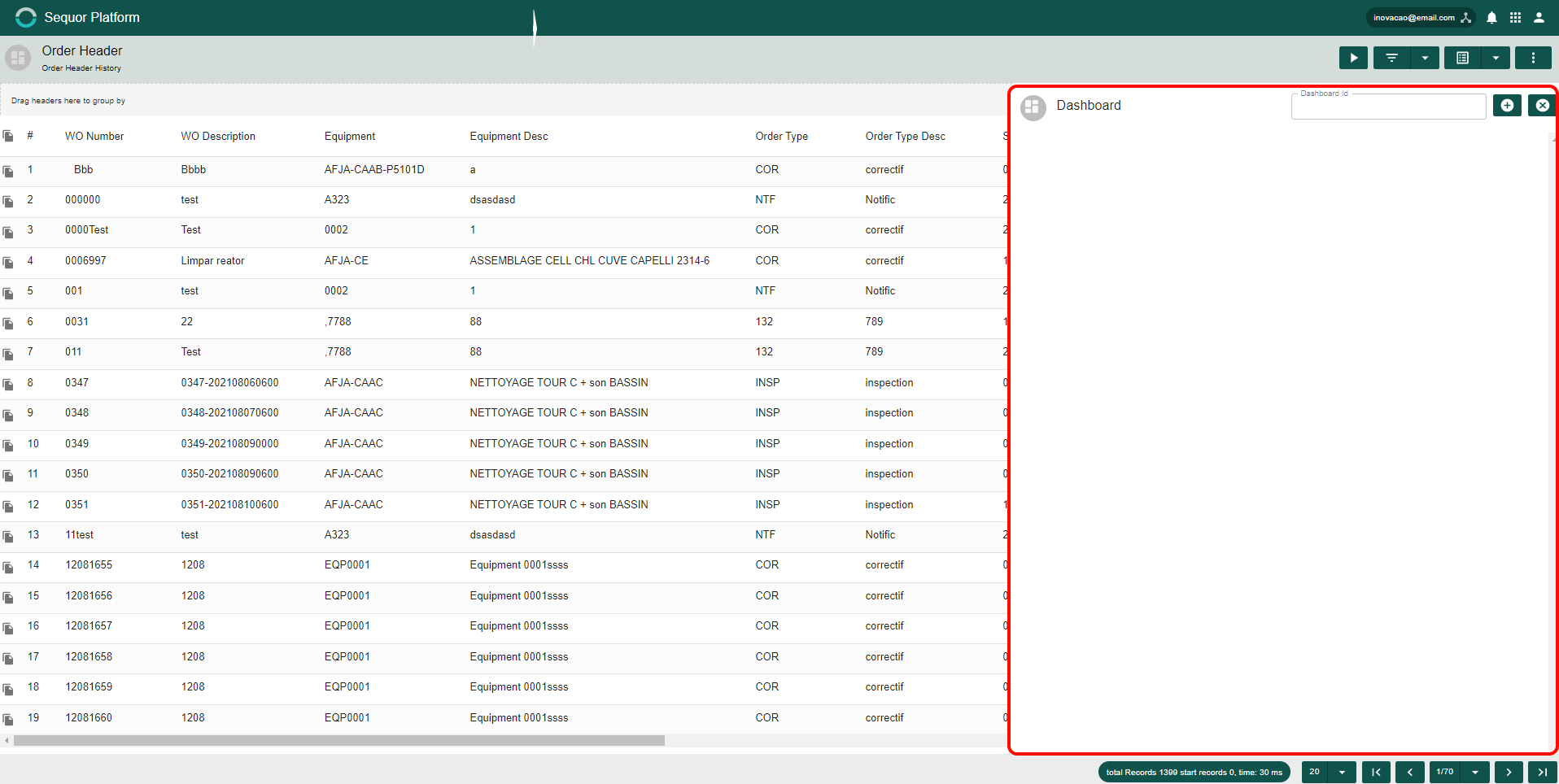
A box will open on the side where the dashboard will be created, enter the title and then click on the button  .
.
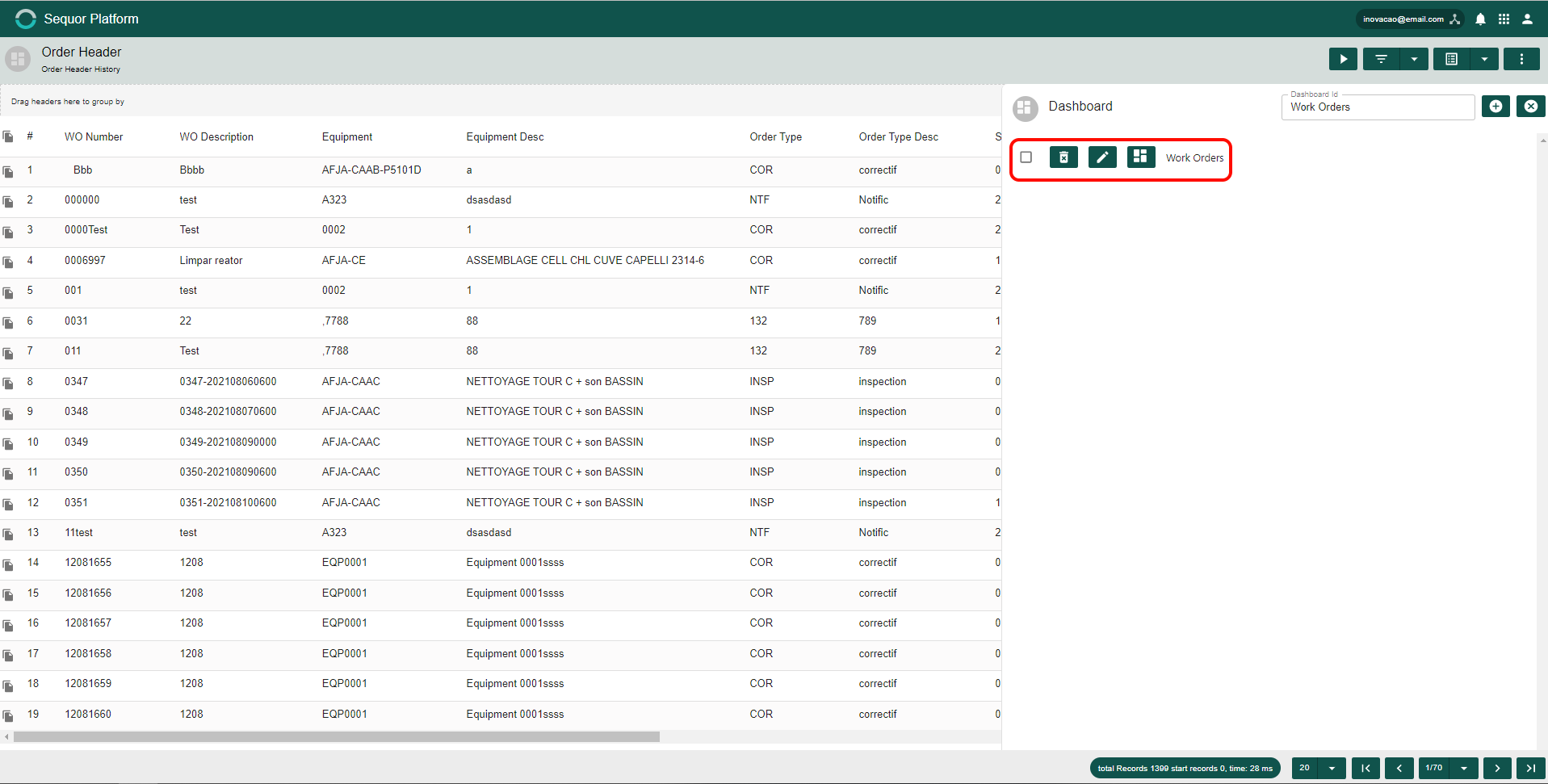
After this process, the name of the dashboard will automatically appear. By clicking on the check box, you will have the option to delete 
 , edit
  and view the dashboard.
Creating Graphics (dashboard):
Click in
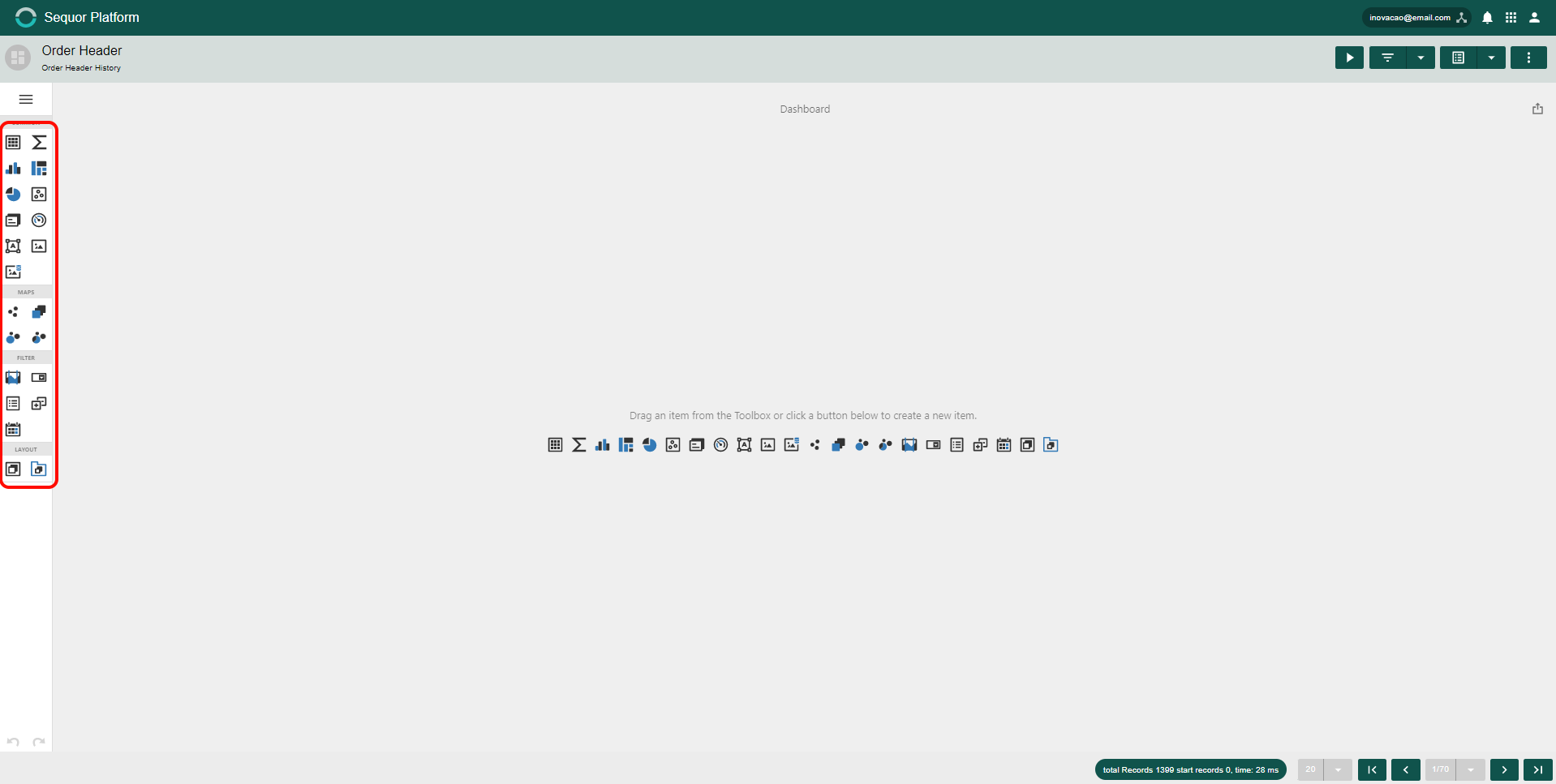
There are several options for creating charts and composing the dashboard. An example will be made to clarify further.
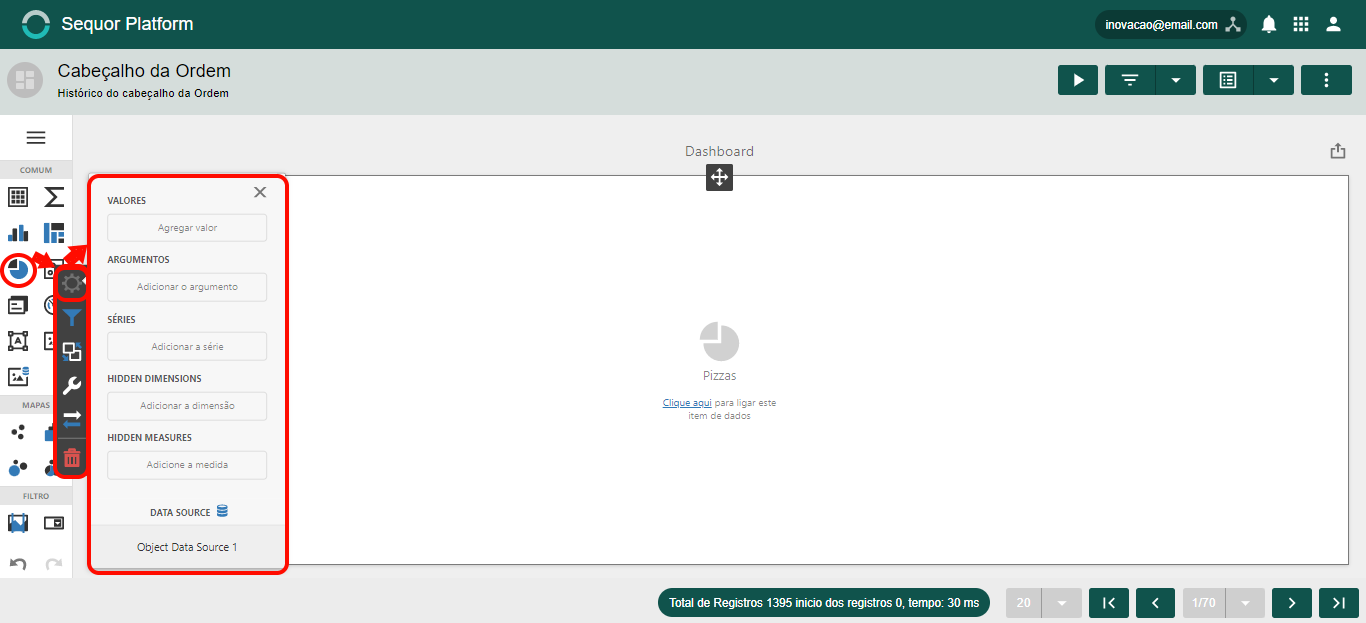
The example adopted is a "pizza" chart. Click on the button  and then drag to the dashboard. Click on the button
  . The options area will appear in order to create the chart as needed,
  ,
,  and
and  .
.
The graphic will appear automatically. Create more than one chart in the dashboard composition.